Circuit HydraulicsIndustrial repair and maintenance
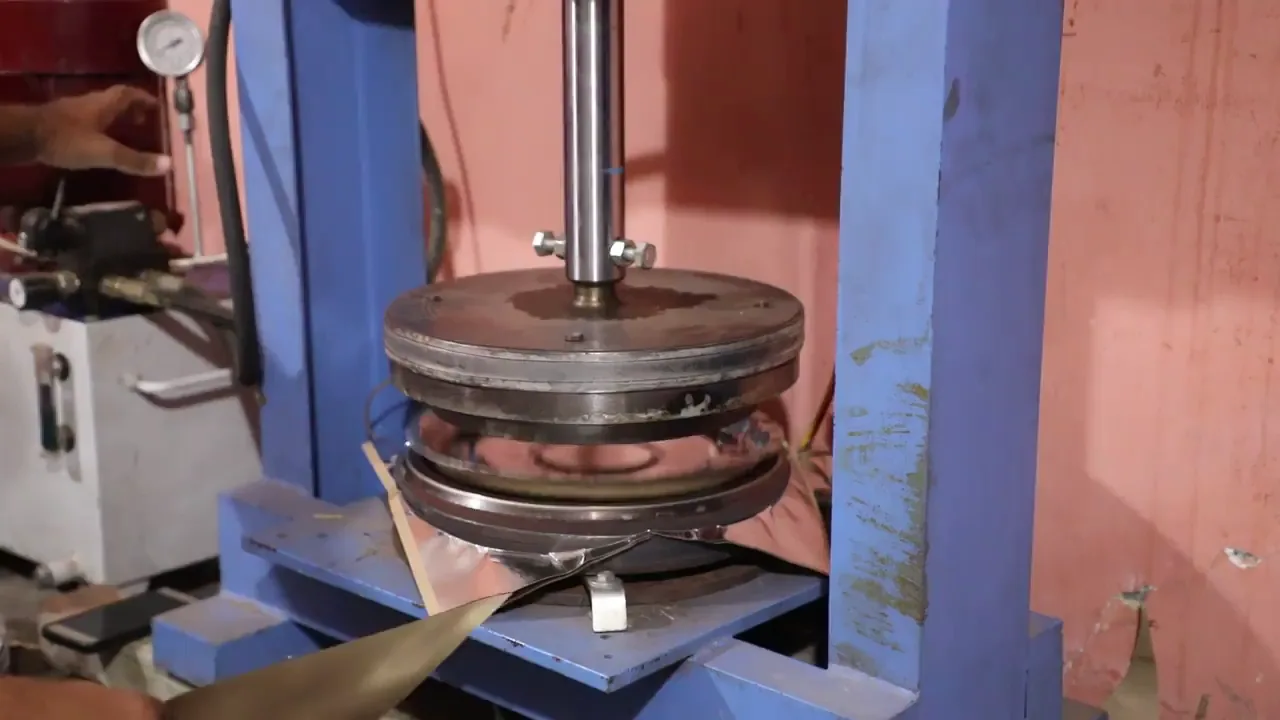
Identify the component. Describe the fault.
Send a technical enquiry- 01Hydraulic repairs
- 02Component maintenance
- 03Documented inspection
01
Concept designHydraulics · Latin America


Showcase your services with technical clarity
Before the component arrives
A maintenance manager arrives with a part reference, a symptom or a machine out of service. Your website should help them establish whether you handle that component and what information to provide for a useful initial enquiry.
Separate repair from maintenance services, show the components you accept and explain how you document inspections. This helps customers understand the steps before a work proposal and gives them a clear idea of what to expect from your workshop.
A well-informed enquiry starts with a precise website.
01 /Design with technical purpose
Build your website around three answers maintenance teams need: what you service, how you assess each case and how to send an enquiry with a component reference.
Identify the component. Describe the fault.
Send a technical enquiryPresent cylinders, pumps, valves or the systems you actually service. Distinguish repairs from maintenance so visitors can check whether your services match their needs.
Explain your intake, inspection and work proposal stages. Show how you communicate findings and what documentation you provide, based on your workshop’s actual process.
Configure a form for contact details, the component reference and a description of the problem. Guide customers on useful information to gather before getting in touch.
A design example with a concept brand. Its controls are illustrative; your website features depend on what you configure.
Create my workshop website02 /From your workshop to the web
AI prepares your first website. You review the services, refine the technical content and decide how you want to receive enquiries.
Describe your workshop, the components you service and your repair or maintenance work. Kolau uses that information to create the first version of your website.
Edit text, images and styling with the visual editor or voice instructions. Review references, photographs and explanations so they accurately reflect your workshop’s work.
Set up your contact options and publish your website. Kolau’s technology helps with SEO so you can present your services to people looking for hydraulic repair support.
You decide which services to advertise, what information to request and when to publish.
Start for freeInstitutions. Media. Experiences.
Explore the partnerships, interviews and experiences behind the Digitalization Plan across Spanish-speaking Latin America.
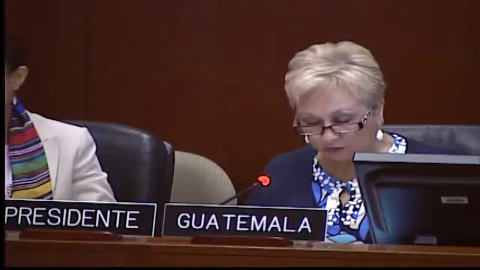
InternationalInstitutions
An address from Washington, D.C.
From 01:12:00

Costa RicaMedia
Teletica · Qué buena tarde
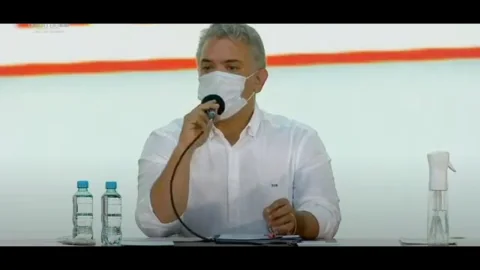
ColombiaInstitutions
Ministry of ICT · Introducing the plan

GuatemalaMedia
Guatevisión · Digitalization Plan
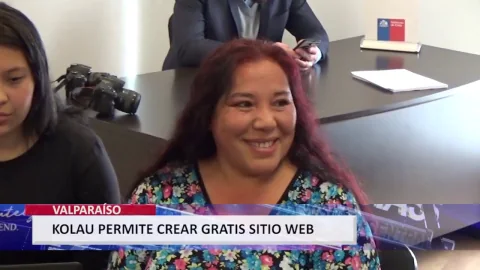
ChileInstitutions
Launching the OAS–Kolau Digitalization Plan
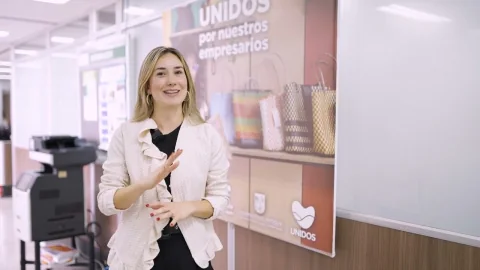
Colombia · AntioquiaResults
The program’s experience and results
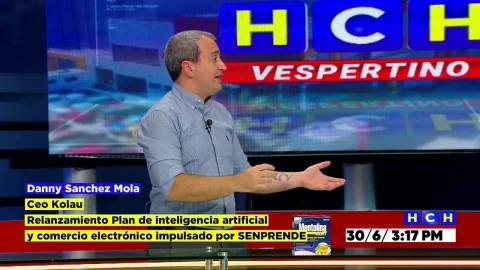
HondurasMedia
HCH · Noticiero Vespertino

GuatemalaInstitutions
Launching the OAS–Kolau Digitalization Plan
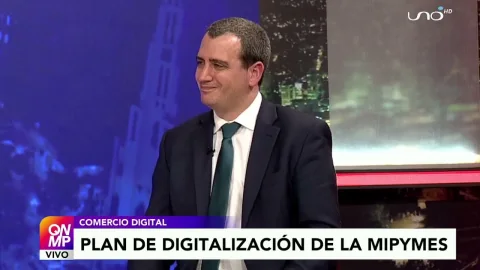
Bolivia · El AltoMedia
Red Uno · Que No Me Pierda
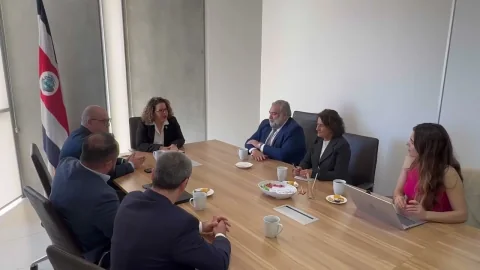
Costa RicaInstitutions
MEIC and the Embassy of Spain · Launching the plan

Mexico · SonoraMedia
Government of Sonora · Telemax TV
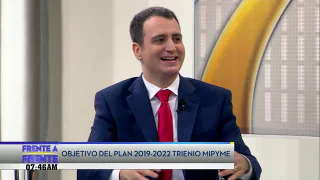
El SalvadorMedia
Government of El Salvador · Frente a Frente
Your idea could be next.
Start for freeYou can organise your content around cylinders, pumps, valves or systems, depending on your work. Add your own images and descriptions to define your services and reduce enquiries about components you do not handle.
Ask for a name, company, contact details and the component reference, if available. Guide customers to include the manufacturer and model, describe what happens and explain the conditions in which the problem occurs. If they cannot find the reference, explain how to contact the workshop to agree on what further information to provide.
Yes. Use a section to explain intake, inspection and how you report findings. Clarify what information you need and when you prepare a proposal, without presenting an initial enquiry as a confirmed diagnosis.
Yes. The visual editor lets you change text, images and styling, including through voice instructions. You can update the components you service, showcase your own work and adjust contact options whenever needed.
03 /Institutional partnerships
We work with the Organization of American States and Latin American governments to bring digitalization to small businesses. Here are some of our partnerships.
Explore the Digitalization Plangovernment entities joined the Digitalization Plan
























Born on the Koʻolau mountain.

Created with love.

Developed with love.
Create a website that helps maintenance teams find your services and enquire with the right component reference.